
Why spend hours crafting formulas yourself if Gemini can do it for you?
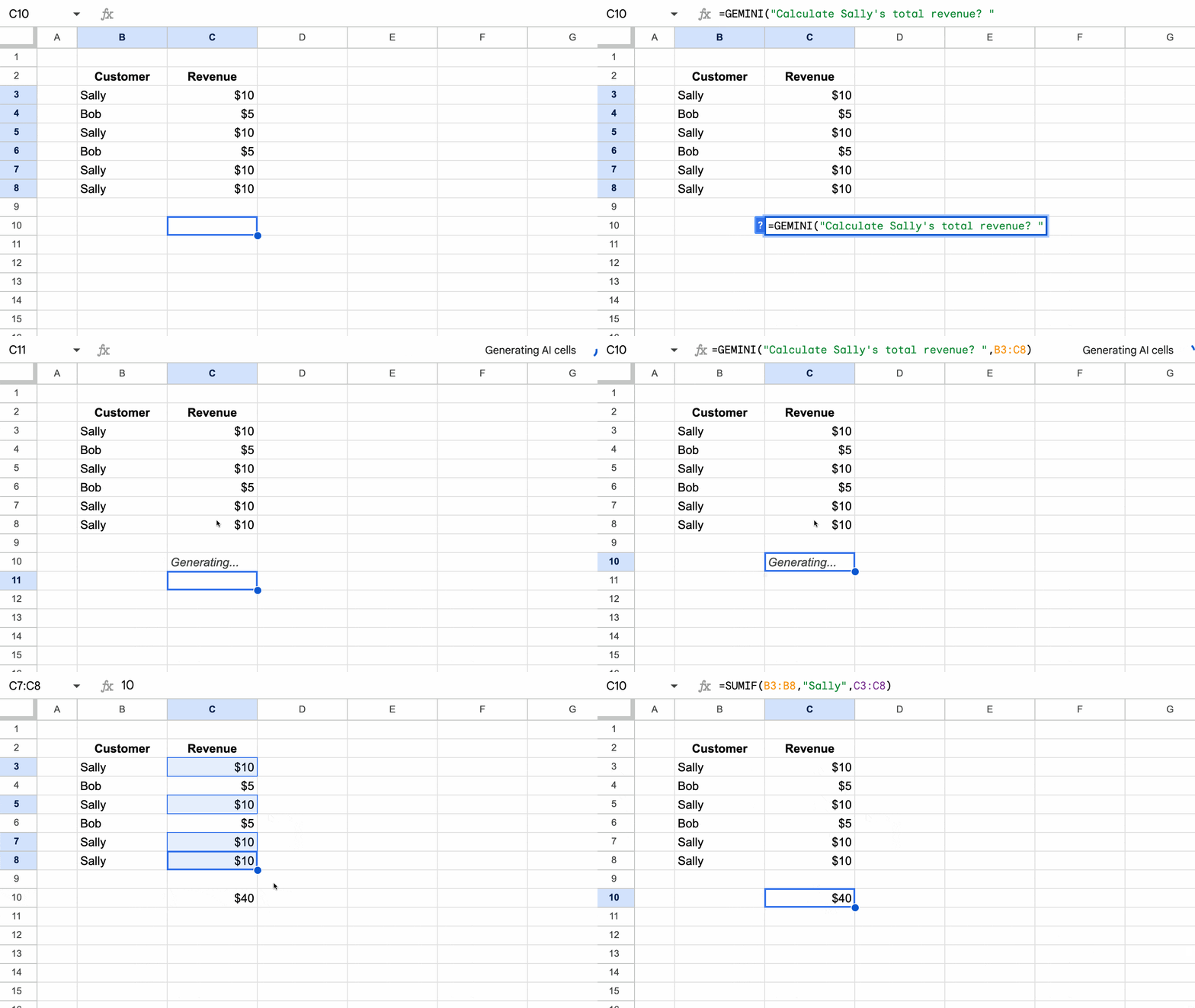
For the better part of two decades, I’ve viewed my spreadsheet work through the lens of a craftsperson, rather than as a corporate analyst.
The grid of cells was my canvas and the formula my brush.
I pushed the limits of what formulas could do, creating clocks, chess games, etch-a-sketch, and join-the-dots games, using only built-in formula logic.
But recently, over the past few months, something has shifted.
We’re seeing the “formula syntax barrier” dissolve in real-time. Years of experience and a deep knowledge of the function landscape is no longer required to write complex formulas.
The true impact of this realization hit me while I was experimenting with a new formula game: building a Minesweeper demo in Google Sheets, using only formulas. (Spoiler: I don’t believe it’s possible to do fully, without using code to control the game play.)
I started the traditional way, experimenting with various OFFSET functions to “see” what was in the adjacent cell to the formula. It was intellectually satisfying, but also slow going.
The New Way
Once I had a working OFFSET formula that checked a single cell, I decided to see what Gemini would do. Truthfully, I couldn’t justify the time doing it myself when I had “real” work to do (or, was I just too lazy to do that much hard thinking?).
So I plugged the formula into Gemini with this prompt:
I have this formula in Google Sheets that checks whether the cell directly below is equal to "A". It gives an output 1 if the cell below equals A and blank otherwise:

=IF(OFFSET( INDIRECT( ADDRESS( ROW(), COLUMN())),1,0)="A",1,)

can you extend this concept and create a formula that checks if any of the adjacent cells that border the formula cell are equal to "A". There are 8 cells that surround the formula cell.
The formula Gemini generated was complex:
=IF(COUNTIF( OFFSET( INDIRECT( ADDRESS( ROW(), COLUMN())),-1,-1,3,3),"A")-IF( INDIRECT( ADDRESS( ROW(), COLUMN()))="A",1,0)>0,1,"")
But guess what? It worked. It just plain worked!
It extended the logic to check if there was an “A” in any of the cells surrounding the formula cell.
I like to think I would have got there myself, but it would have taken me a LOT longer than the minute that Gemini took.
After more back-and-forth with Gemini, where I only directed Gemini and didn’t write any more formulas myself, I had a working demo of Minesweeper:
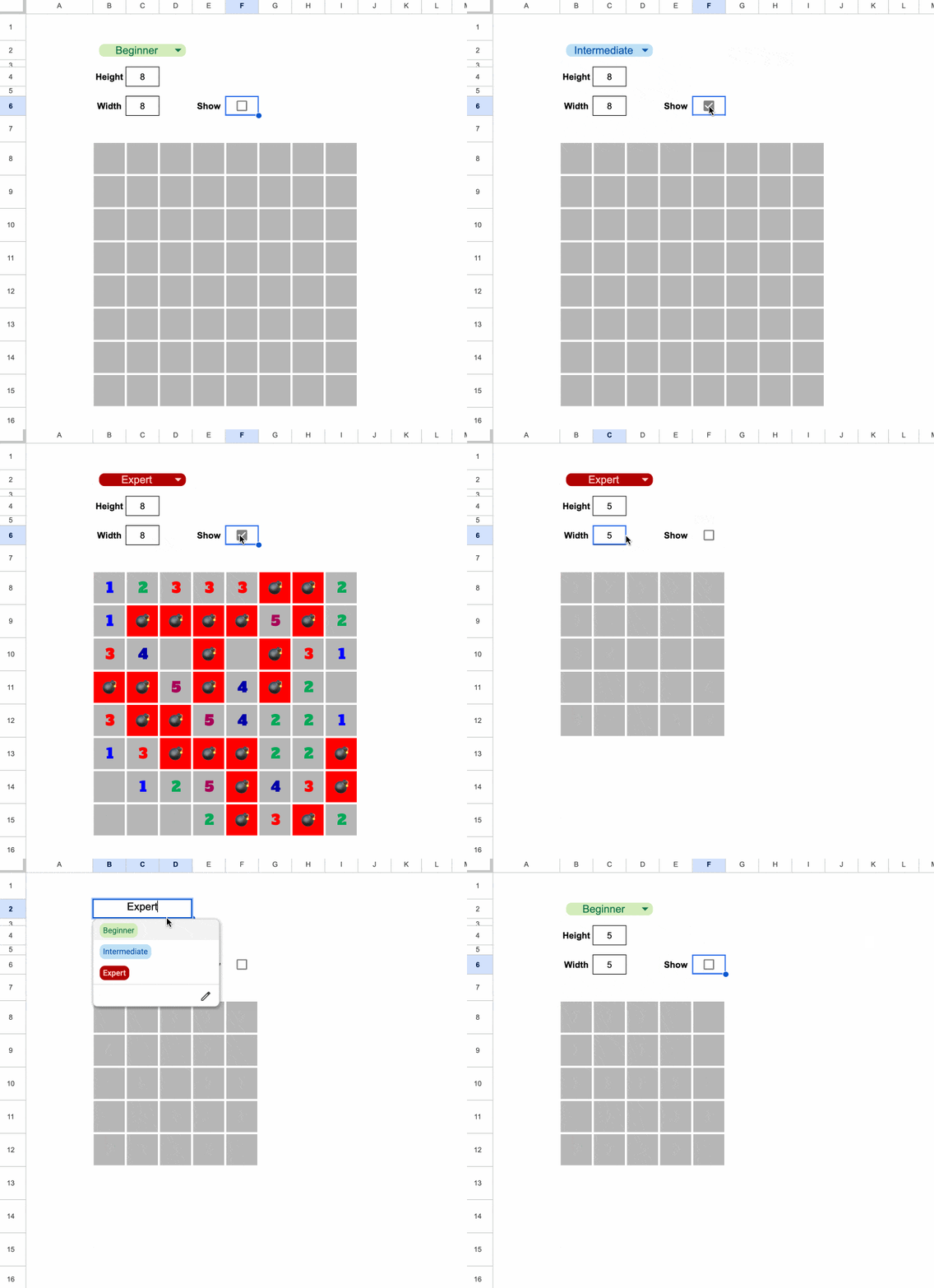
It’s running entirely from a single formula in cell B8, the top left of the grid.
Feel free to grab a copy of the template here, to explore the formula.
Now, it’s not playable in the traditional sense (that would require some coding) but it shows sort of how Minesweeper works.
What used to take me hours of deep-focus was delivered in minutes. And instead of getting stuck on syntax, I was free to focus on the high-level problem and design.
And here’s the thing. I could have just as well started with a text only prompt and skipped creating that first formula, and Gemini (or another AI tool) would have gotten the answer for me.
The Economic Argument
When time is money, writing complex formulas manually does not make economic sense. If it takes you an hour to figure out a complex array formula but only 30 seconds for an AI tool to generate it, then the “hand-crafted” version is no longer a demonstration of skill but instead a waste of resources.
Writing formulas today feels increasingly like hand-washing laundry when you own a functional washing machine.
Changing Nature of Work
Our role is shifting (has shifted?) from creator to director.
We now iterate our way to a solution through a conversation with an AI tool, refining logic and debugging via prompts.
However…
Being “formula literate” remains a superpower.
My Minesweeper experiment succeeded because of my years of honing my craft. I knew that the OFFSET function was key to making it work. And then I knew how to write the best prompts to get the solution I wanted.
So although you don’t necessarily need to master every function, parentheses, or comma anymore, it helps enormously to be able to audit the logic and spot mistakes.
I’d also make the case that for simpler formulas (e.g. a simple XLOOKUP to join data tables), it’s quicker to write the formula yourself, rather than switching to an AI tool.
The Verdict
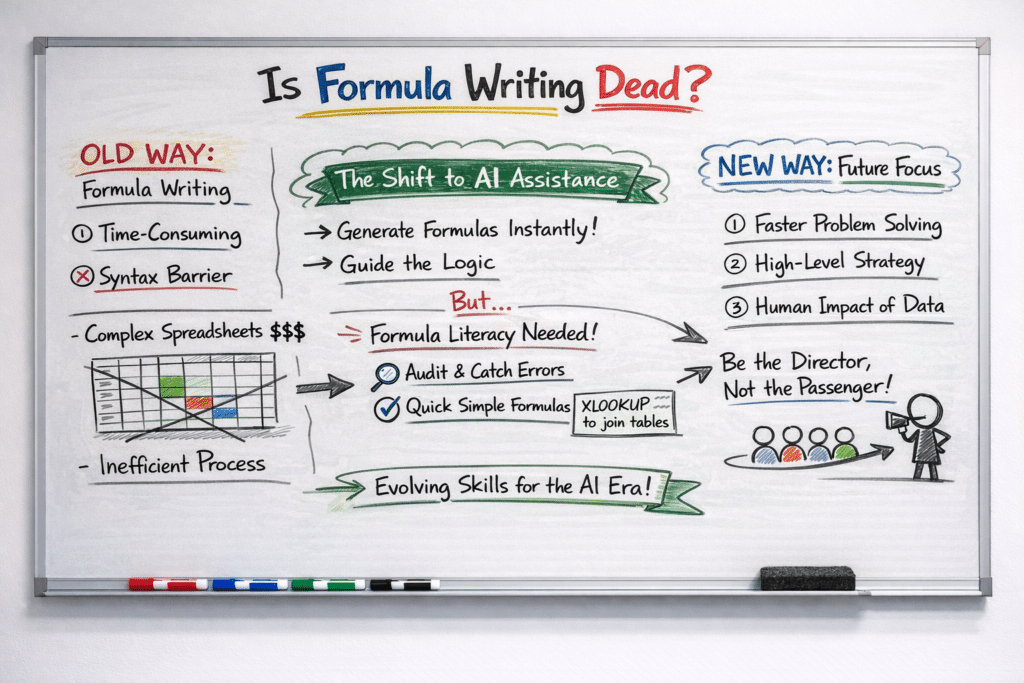
The goal was never to write the perfect formula; the goal was always to solve the problem.
If we reach the answer ten times faster by delegating formula syntax to Gemini, we haven’t lost our craft or diminished our work. Rather, we’re being smart with our time and opening ourselves up to solving more advanced problems.
So don’t mourn the manual formula.
Instead, use the hours you claw back to tackle the problems that AI can’t solve: business strategy and the human impact of the results on your customers.
And a Closing Caveat
Yes, AI is very good at generating formulas and fixing formula syntax.
But YOU are still much better at building entire spreadsheets, managing data, communicating with your clients, and solving complex problems.
So don’t get too drawn into the AI hype. By all means, work faster by leveraging AI tools but lean into your human experience to solve the bigger problem.
Now go forth and conquer those complex formulas! (With a little help from Gemini.)